
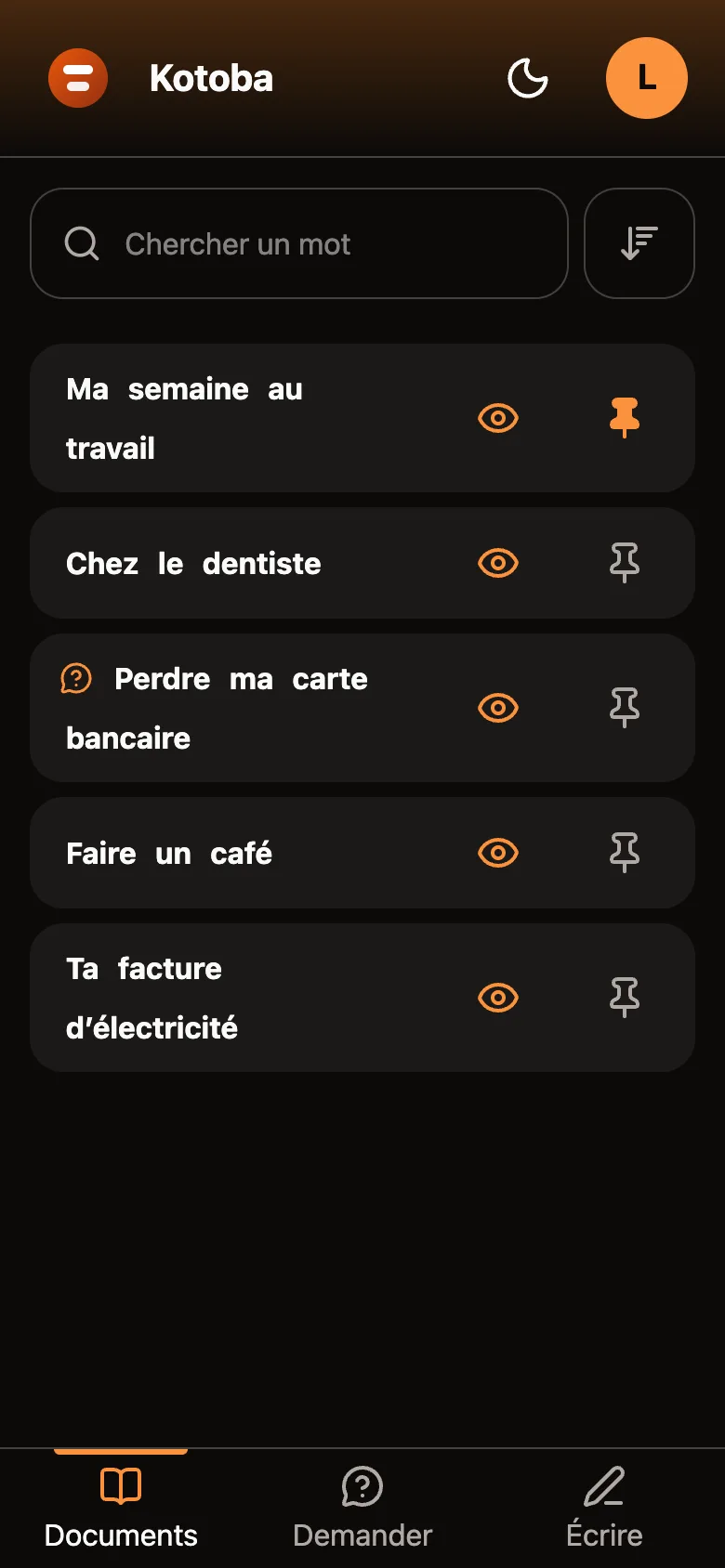
The Documents screen of Kotoba on a phone: a search bar, then five documents — “My week at work” pinned at the top, “At the dentist”, “Losing my bank card” with a question bubble, “Making a coffee” and “Your electricity bill” — and, at the bottom, the Documents, Ask, Write bar.
The library The person's documents. They pin the ones they always want at the top. A bubble marks the answer to a question.
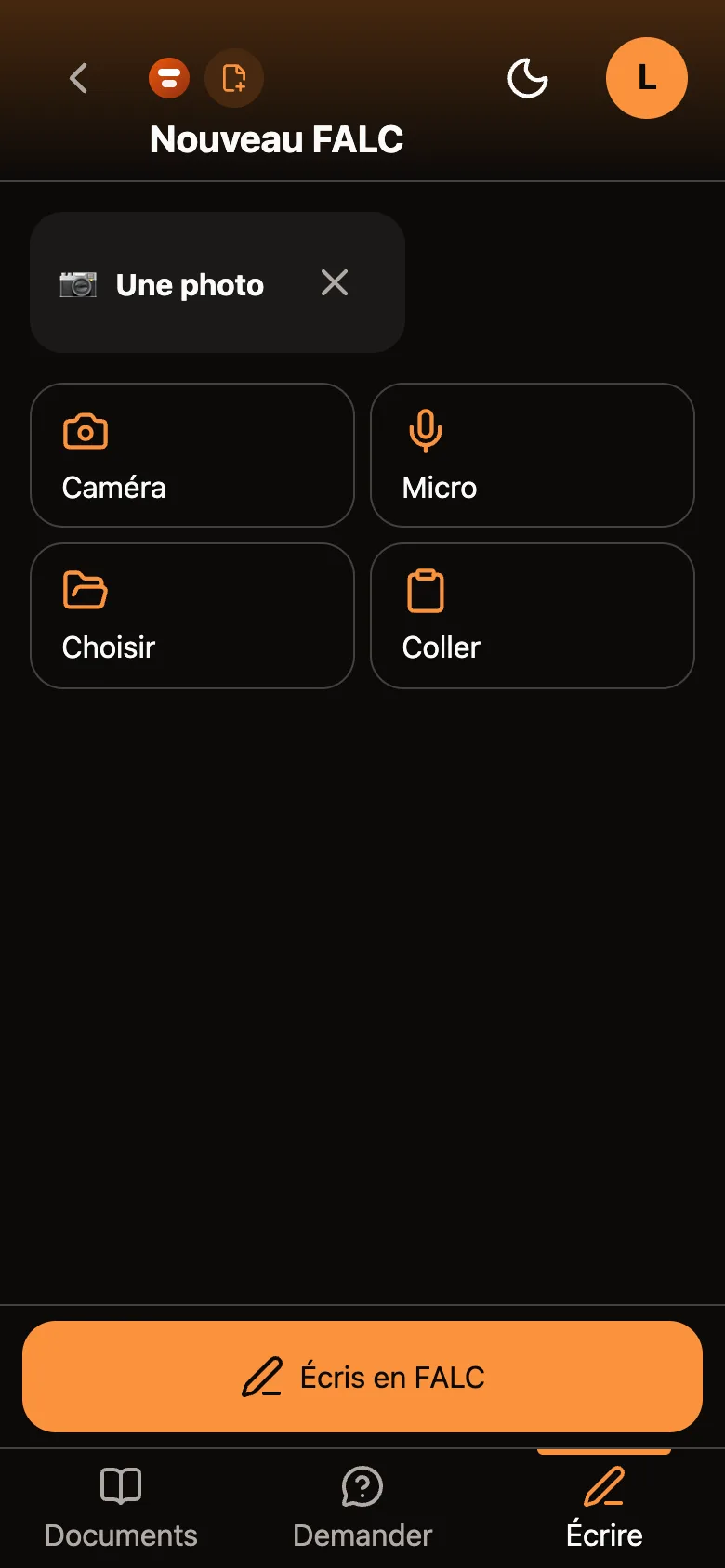
The New Easy Read screen: an “A photo” chip with a cross to remove it, four buttons — Camera, Microphone, Choose, Paste — and a large orange button “Write it in Easy Read”.
Write A photo, a sound, a video or pasted text: the person adds what they received. One big button writes the document in Easy Read (FALC).
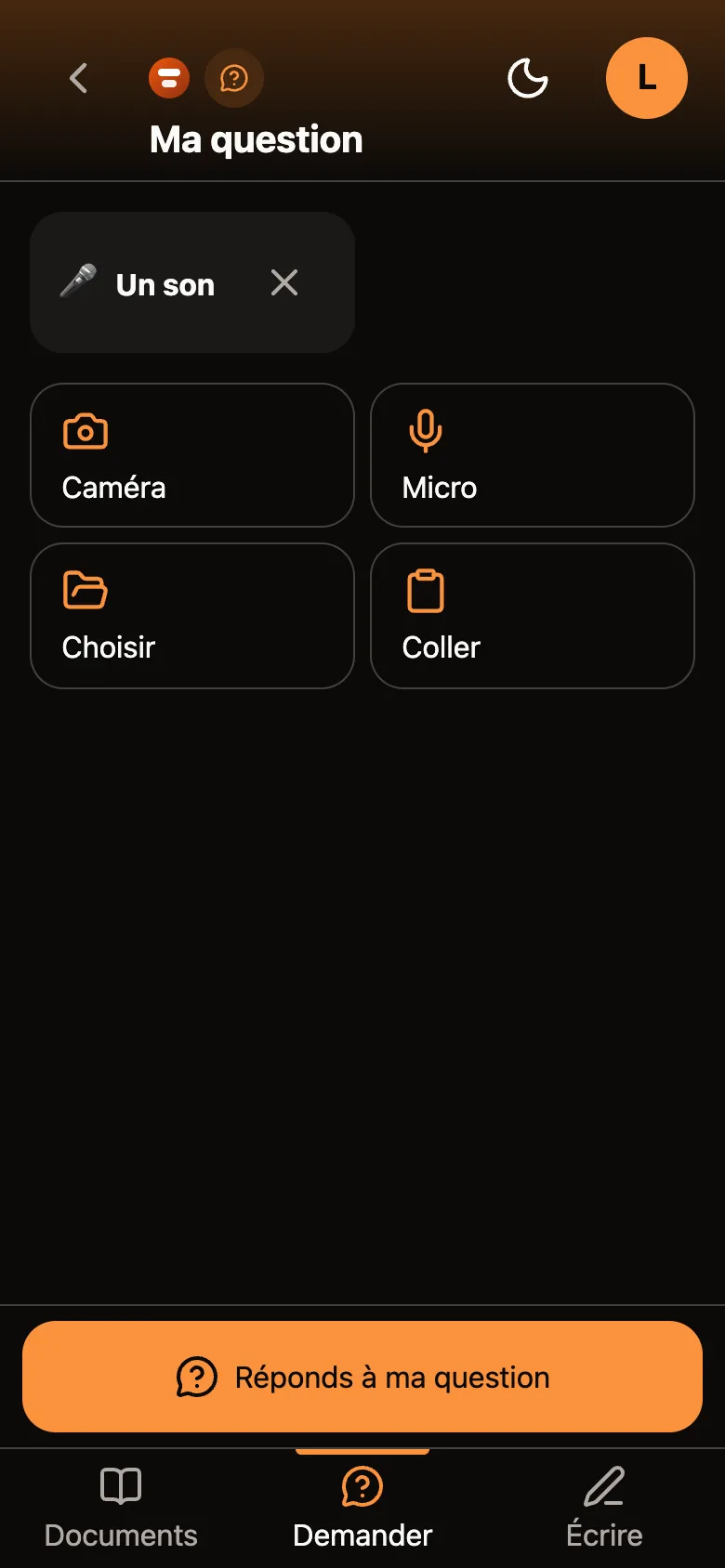
The My question screen: an “A sound” chip with a cross to remove it, the same four buttons, and a large orange button “Answer my question”.
Ask A question spoken into the microphone, written or photographed. The big button answers it in Easy Read.
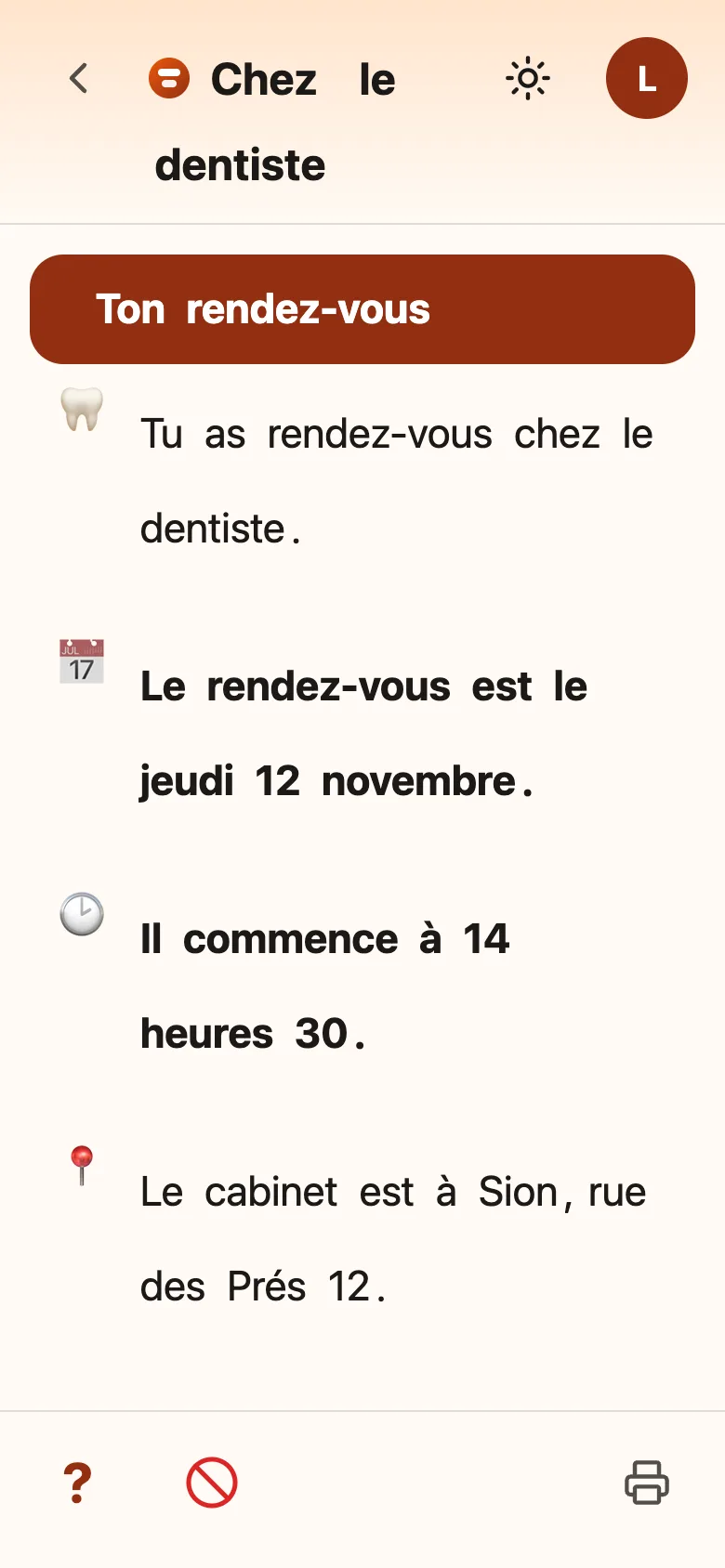
A document on a light background, in large type: “At the dentist”. In front of each sentence, an icon: a tooth, a calendar with “Thursday 12 November” in bold, a clock with “2:30 pm” in bold, a location pin. At the bottom, three buttons: a question mark, a crossed-out circle and a printer.
Read Each word is spoken when you touch it. Dates and times are in bold. Shown here with the large type of the “Easy to read” theme.
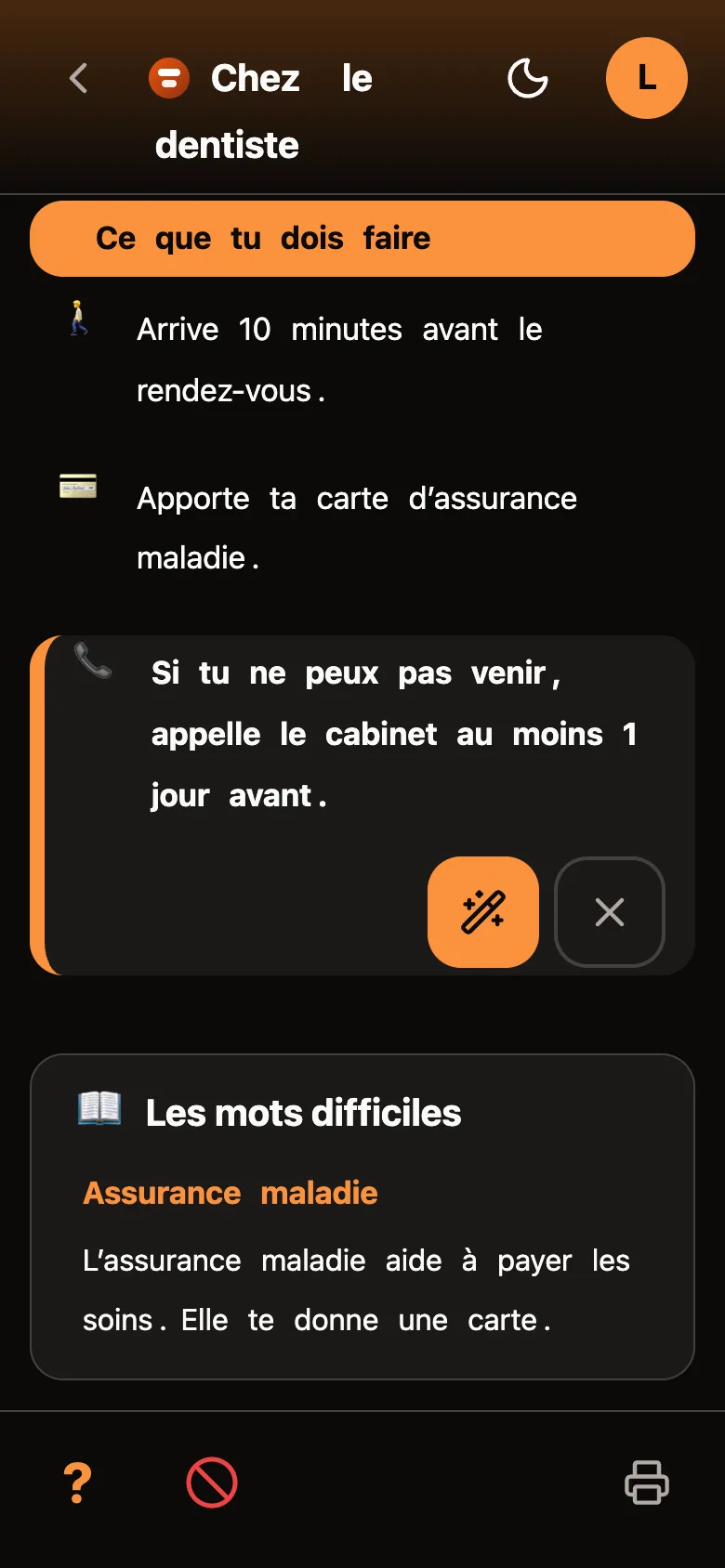
A dark document: the sentence “If you cannot come, call the surgery at least 1 day before” is marked with an orange edge, with two buttons below — a wand to rewrite it more simply, and a cross to remove the mark. Further down, a “Difficult words” box explains “Health insurance”.
A difficult sentence Two marks at the bottom of the screen: “I don't understand” and “that's not true”. The first one lets the sentence be rewritten more simply.
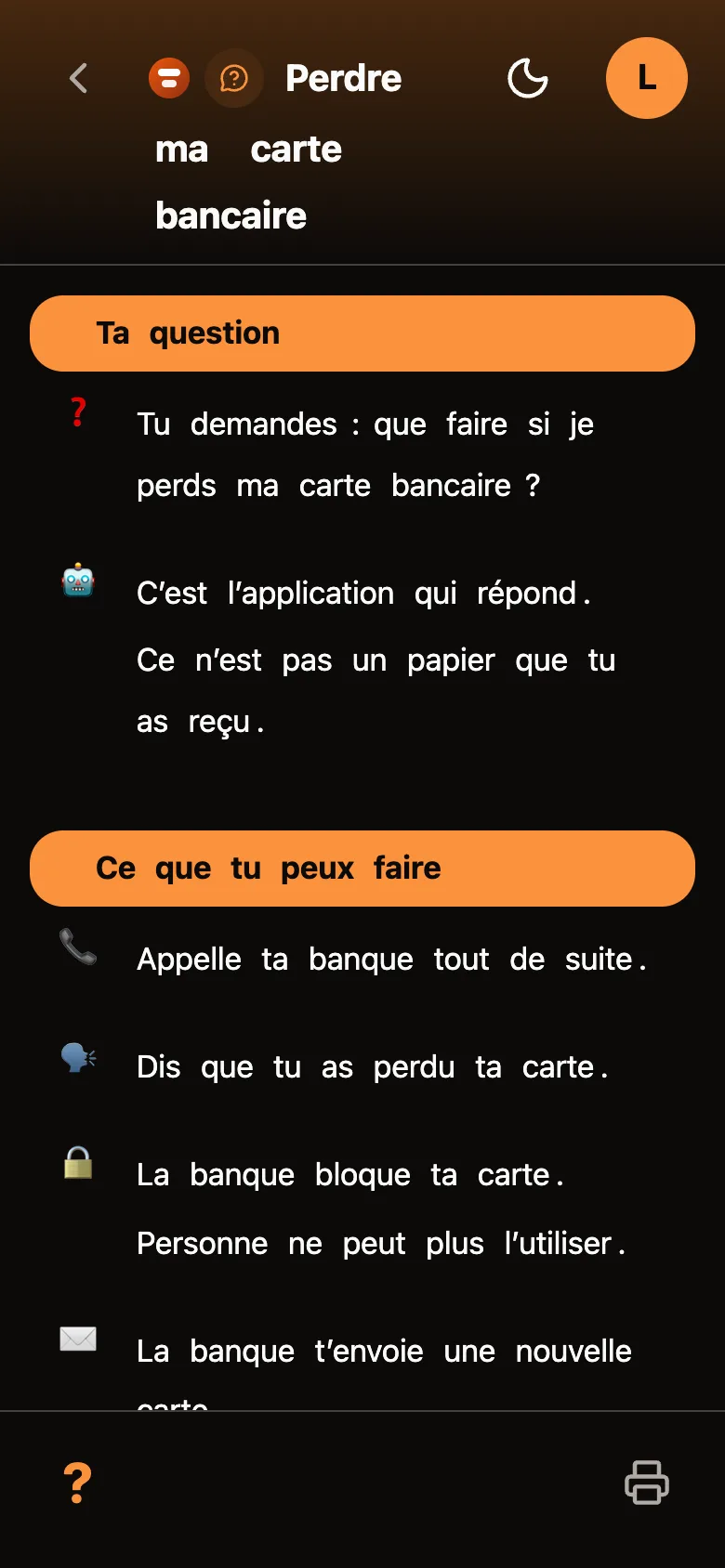
A dark document titled “Losing my bank card”: the question repeated, the sentence “It is the app that answers. It is not a paper you received.”, then the steps to call the bank and have the card blocked.
An answer The answer to a question is written in Easy Read. It says that it comes from the app, and not from a paper that was received.

Invented sample documents. The screenshots show the app in French.

The problem

A person with an intellectual disability constantly receives information they cannot process on their own: an administrative letter, an instruction at work, an explanation at the doctor's. Today, an adult explains it to them out loud. It is free and immediate, but nothing is left of it.

The real cost is not the misunderstanding of the moment, it is the permanent dependence on an adult being there. Every re-reading that is impossible is a question that has to be asked again — and a reason not to ask it.

Producing Easy Read (FALC) by hand takes about 45 minutes per document. This resource is therefore kept for institutional documents. Nothing exists for everyday life.

What the app does

Kotoba opens two doors, and the person chooses which one to push.

  • Write: a photo, a letter, a video or a recording becomes an Easy Read document.
  • Ask: a question asked in their own words gets an answer written in Easy Read.

The first tests showed it: people do not only bring a paper to be translated, they bring a question and expect an answer.

Reading on your own

  • Every word can be spoken: touching a word is enough to hear it, without having the whole document read aloud.
  • A sentence that is too hard gets rewritten: the reader marks it, and gets a simpler one, without having to explain what is blocking them.
  • Not understanding can be said: two distinct marks let the reader flag “I don't understand” and “that's not true”.
  • The size of the text belongs to the reader: four display themes, chosen by the person themself.
  • They tidy their own library: pinning and throwing away a document are their gestures, not an adult's.