
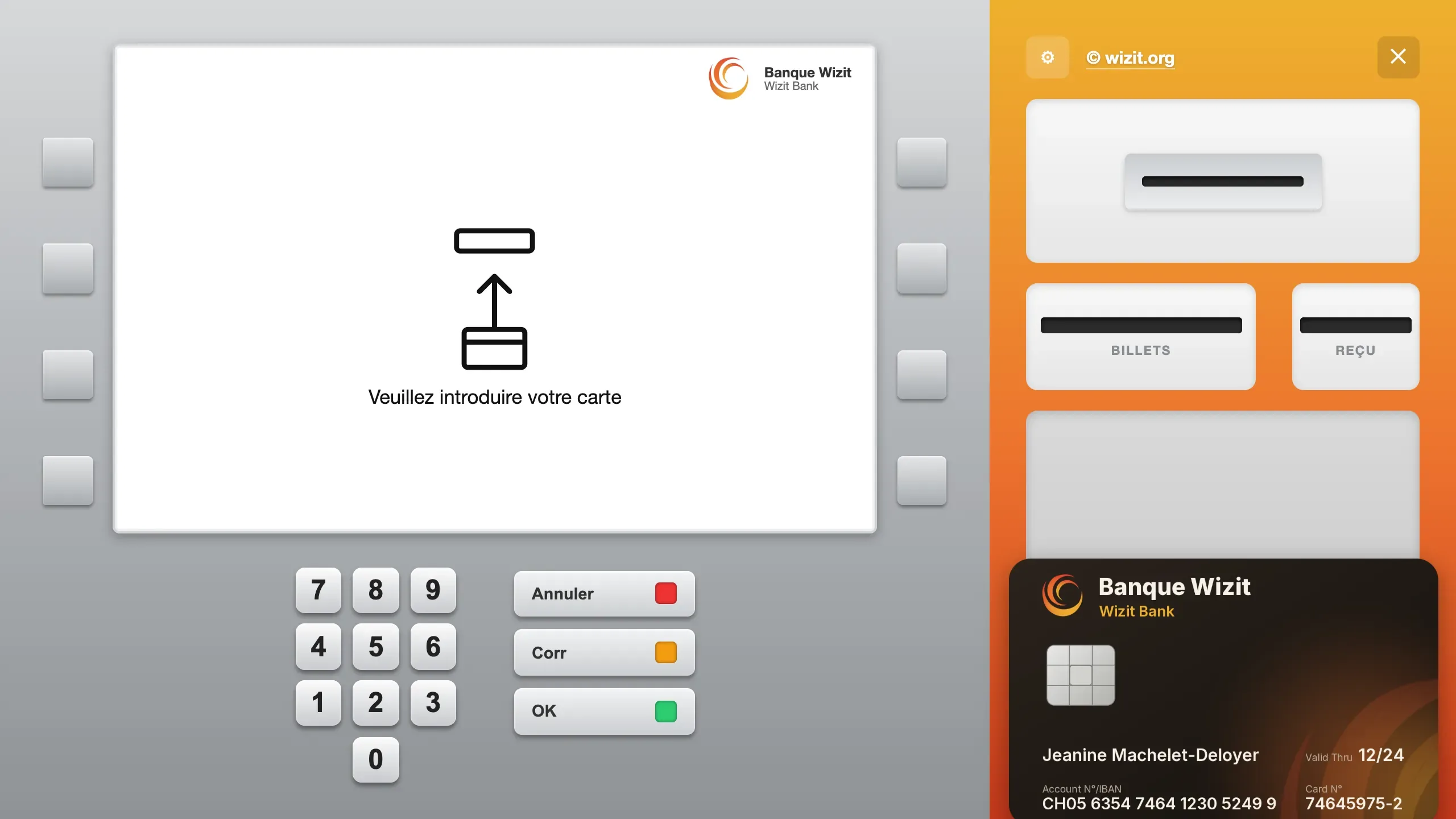
The machine at rest. On the left, the white screen of the Banque Wizit shows an arrow pointing at a slot and “Veuillez introduire votre carte”, with eight grey keys on its sides, the numeric keypad and the Annuler (Cancel), Corr (Correct) and OK keys. On the right, on an orange background, the card slot, the Billets (Banknotes) and Reçu (Receipt) slots, and the top of a black card lying on the tray.
The home screen The machine waits for a card: “Veuillez introduire votre carte” (“Please insert your card”). The card lies on the tray, on the right, below the slot.
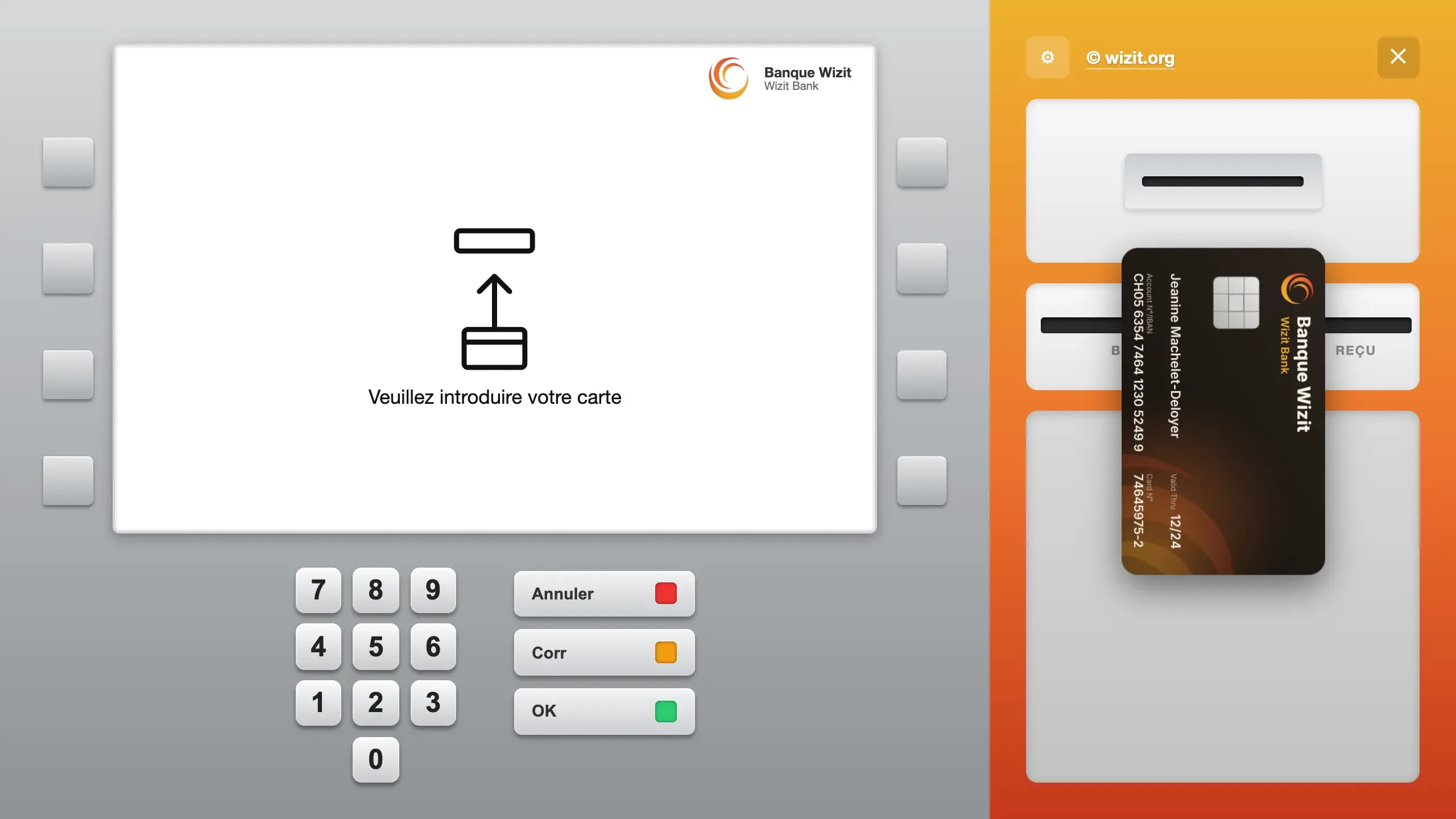
The black card, upright, halfway between the tray and the card slot, in front of the Billets (Banknotes) and Reçu (Receipt) slots. The screen still shows “Veuillez introduire votre carte”.
Sliding the card The card is slid from the tray to the slot, with a finger or the mouse. It stands up and shrinks as it gets closer.
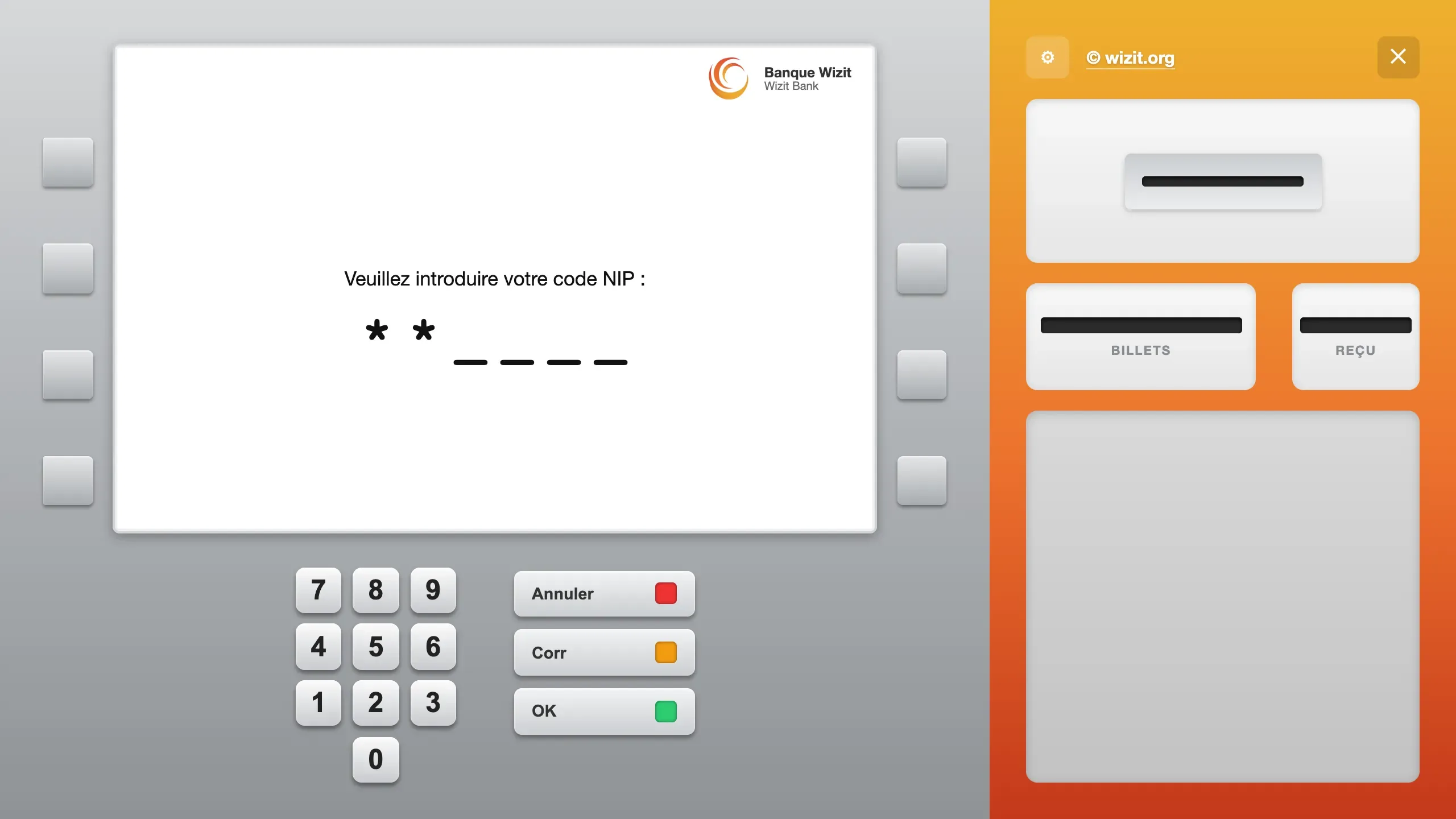
The screen shows “Veuillez introduire votre code NIP :”, then two stars followed by four dashes. The tray on the right is empty.
The PIN code “Veuillez introduire votre code NIP” (“Please enter your PIN”): two stars are typed, four dashes are left to fill. Three tries, then the card is returned.
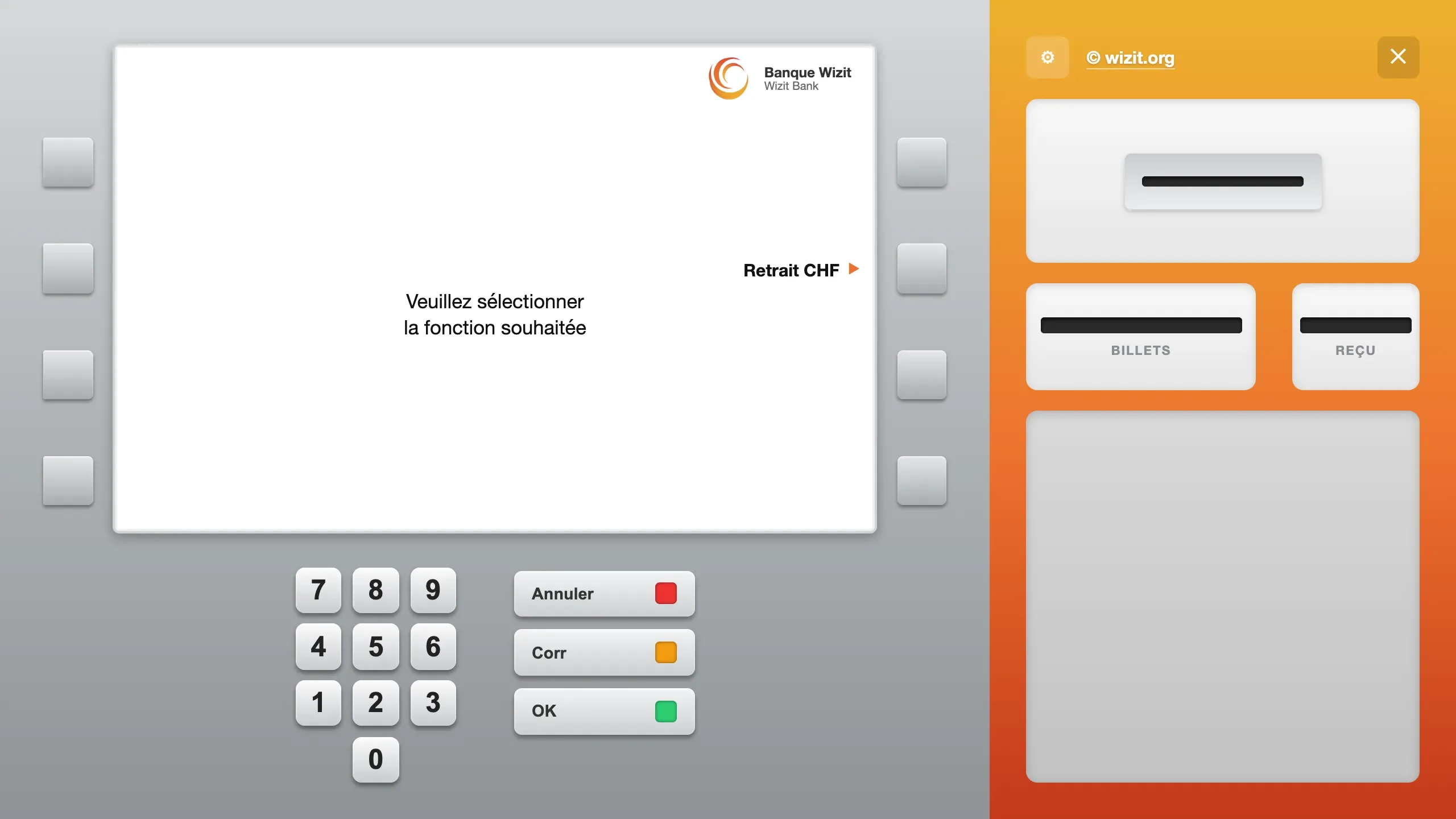
The screen shows “Veuillez sélectionner la fonction souhaitée” (“Please select the function you want”). On the right of the screen, the label “Retrait CHF” is followed by an orange arrow pointing at the second key.
The function A single function: “Retrait CHF” (CHF withdrawal). The grey key next to the label is pressed.
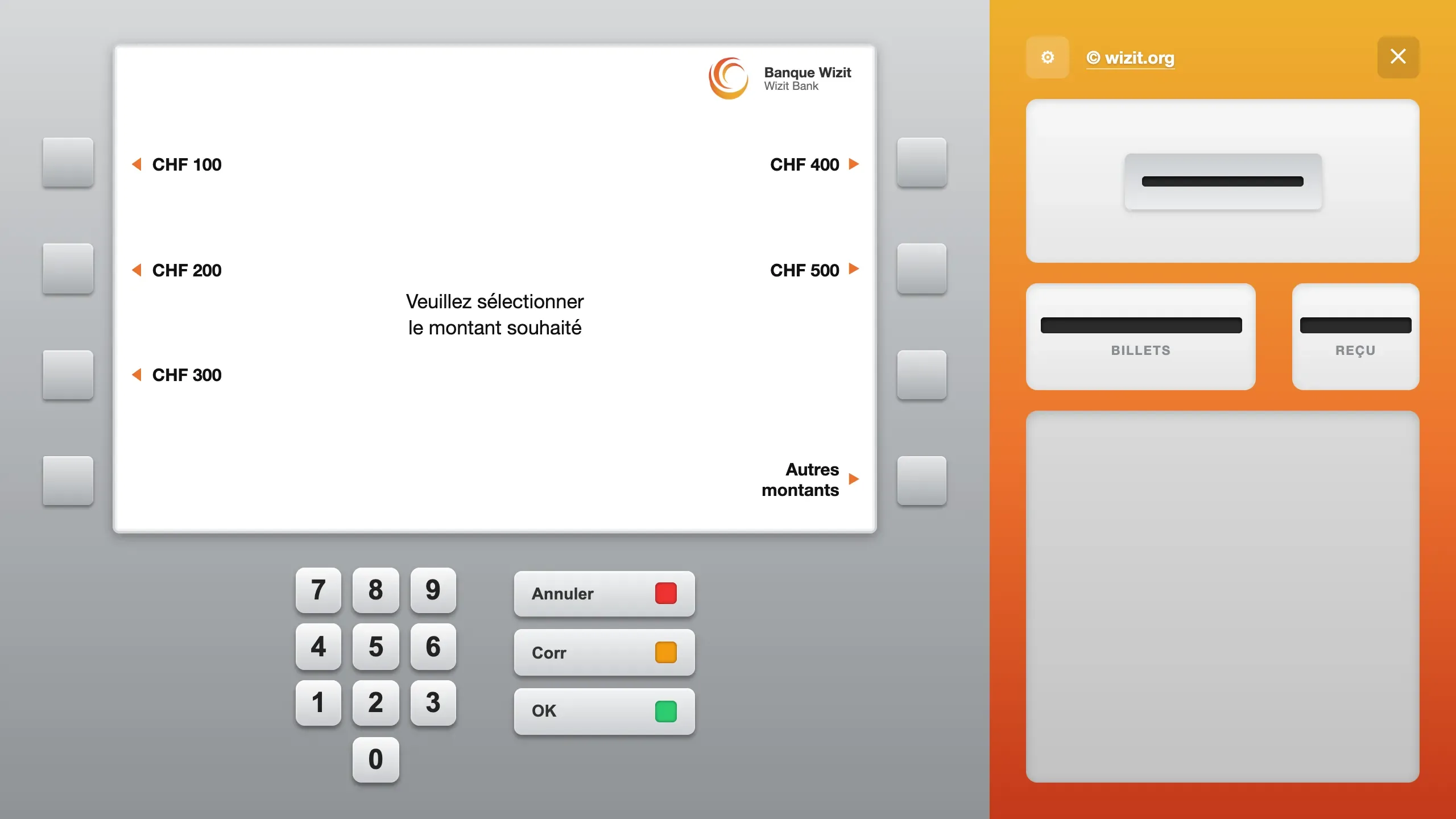
The screen shows “Veuillez sélectionner le montant souhaité” (“Please select the amount you want”). On the left: CHF 100, CHF 200 and CHF 300. On the right: CHF 400, CHF 500 and “Autres montants”. Each label is tied to its key by an orange arrow.
The amount Five amounts, from CHF 100 to CHF 500, or “Autres montants” (Other amounts) to type your own.
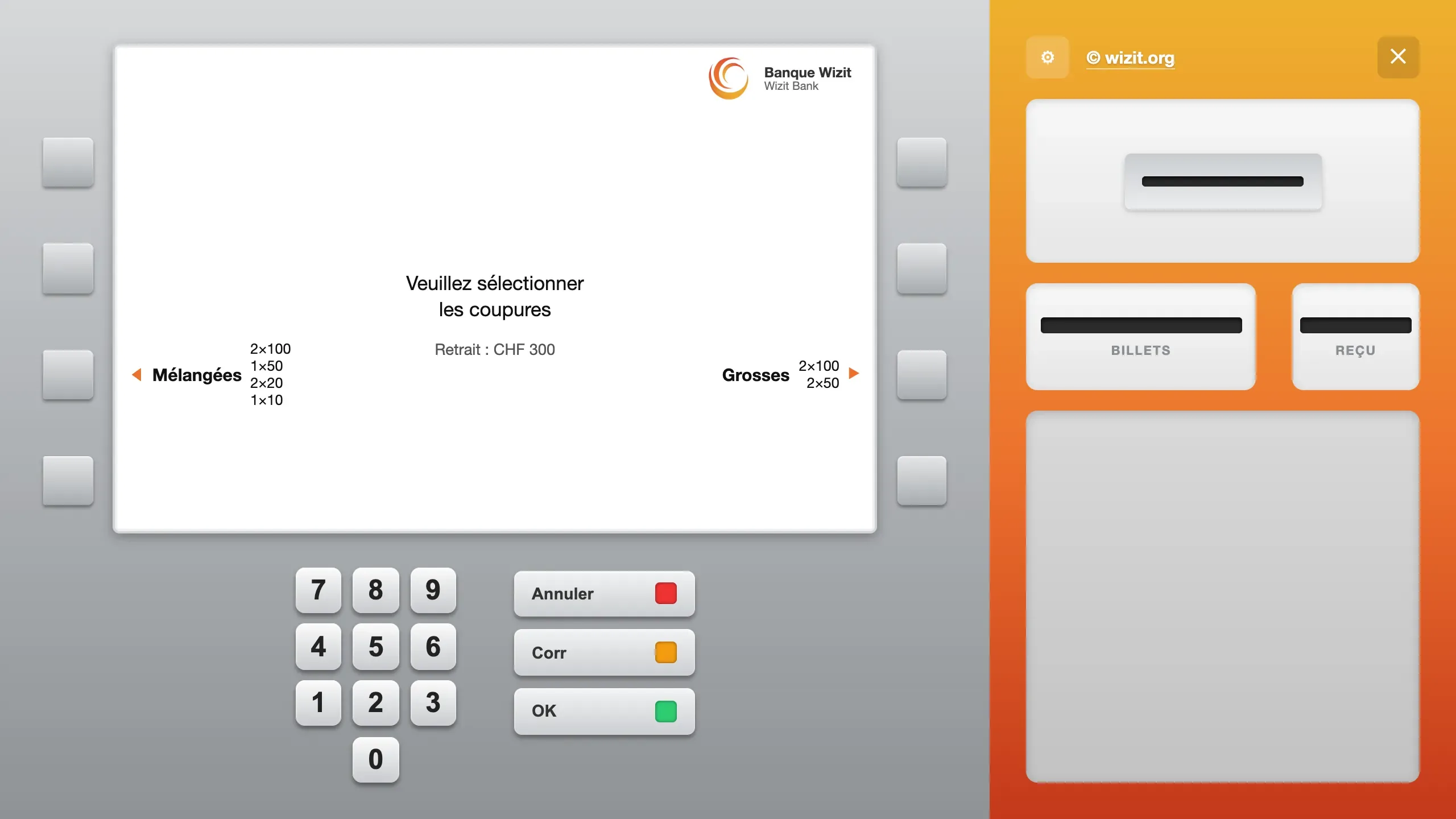
The screen shows “Veuillez sélectionner les coupures” (“Please select the notes”) and “Retrait : CHF 300”. On the left, “Mélangées” with 2 × 100, 1 × 50, 2 × 20 and 1 × 10. On the right, “Grosses” with 2 × 100 and 2 × 50.
The notes “Mélangées” (Mixed) or “Grosses” (Large): the screen shows the notes of each choice. For CHF 300: 2 × 100, 1 × 50, 2 × 20 and 1 × 10, or 2 × 100 and 2 × 50.
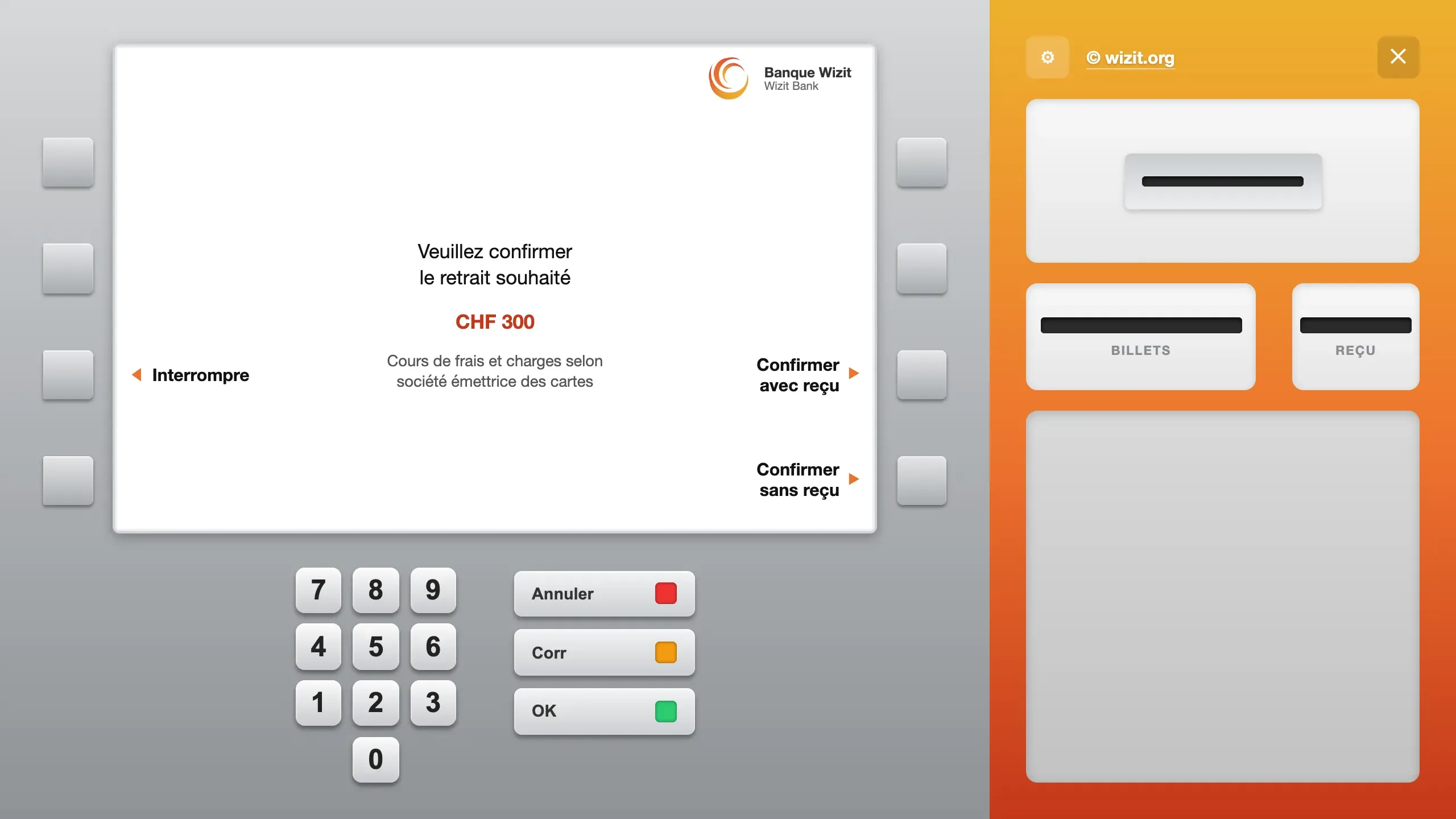
The screen shows “Veuillez confirmer le retrait souhaité” (“Please confirm the withdrawal”) and “CHF 300” in red, then the note about fees. On the left, “Interrompre”. On the right, “Confirmer avec reçu” and “Confirmer sans reçu”.
The confirmation The amount is shown in red. Three choices: “Interrompre” (Cancel), “Confirmer avec reçu” (Confirm with receipt) or “Confirmer sans reçu” (Confirm without receipt).
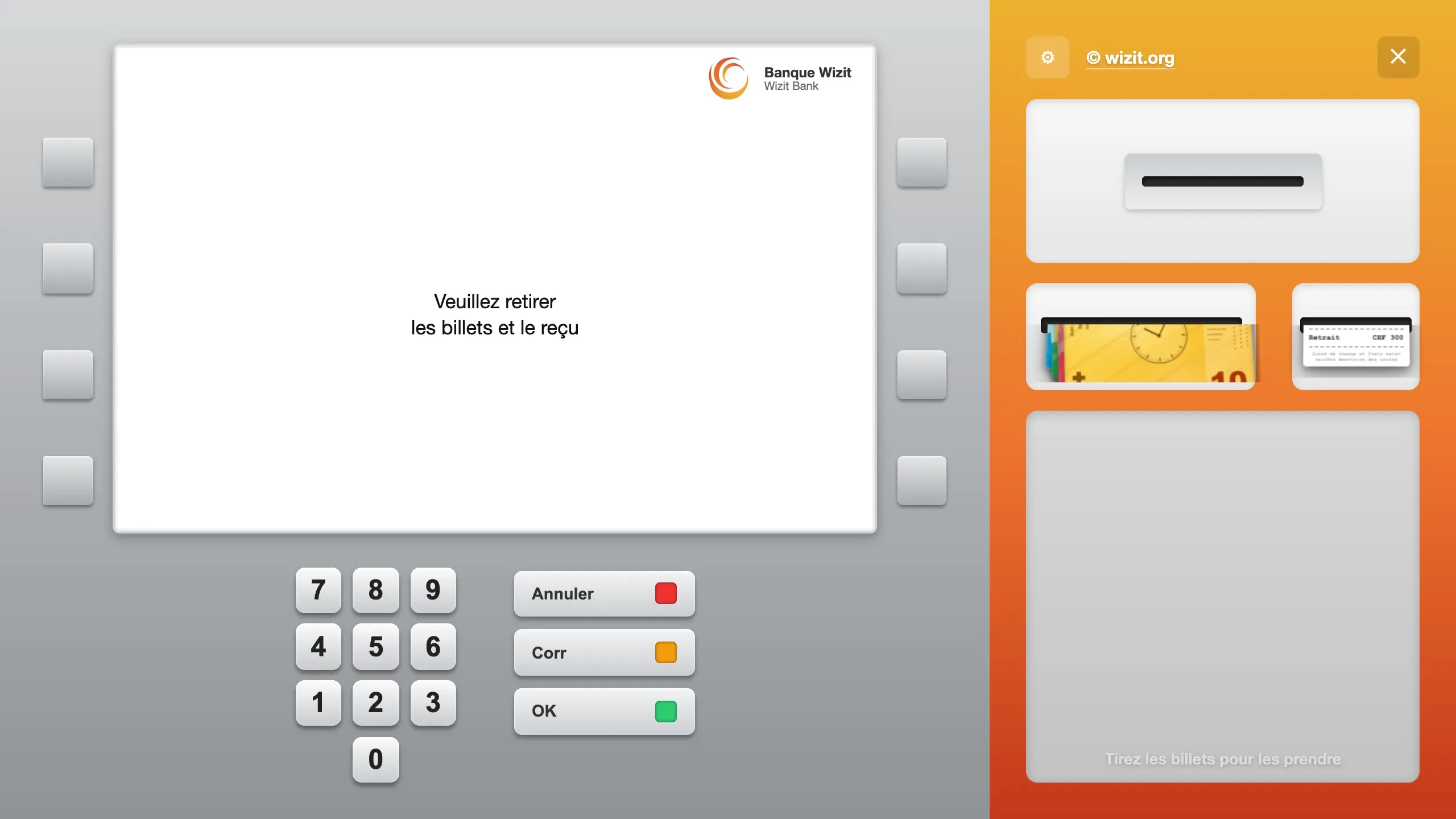
The screen shows “Veuillez retirer les billets et le reçu” (“Please take your banknotes and receipt”). On the tray on the right, a stack of Swiss banknotes comes half out of the Billets slot, and a printed receipt, “Retrait CHF 300”, comes out of the Reçu slot. Below them, the text “Tirez les billets pour les prendre” (“Pull the banknotes to take them”).
Taking the banknotes The banknotes and the receipt come half out of their slots. They are pulled out to take them; otherwise the machine takes them back after a beep.
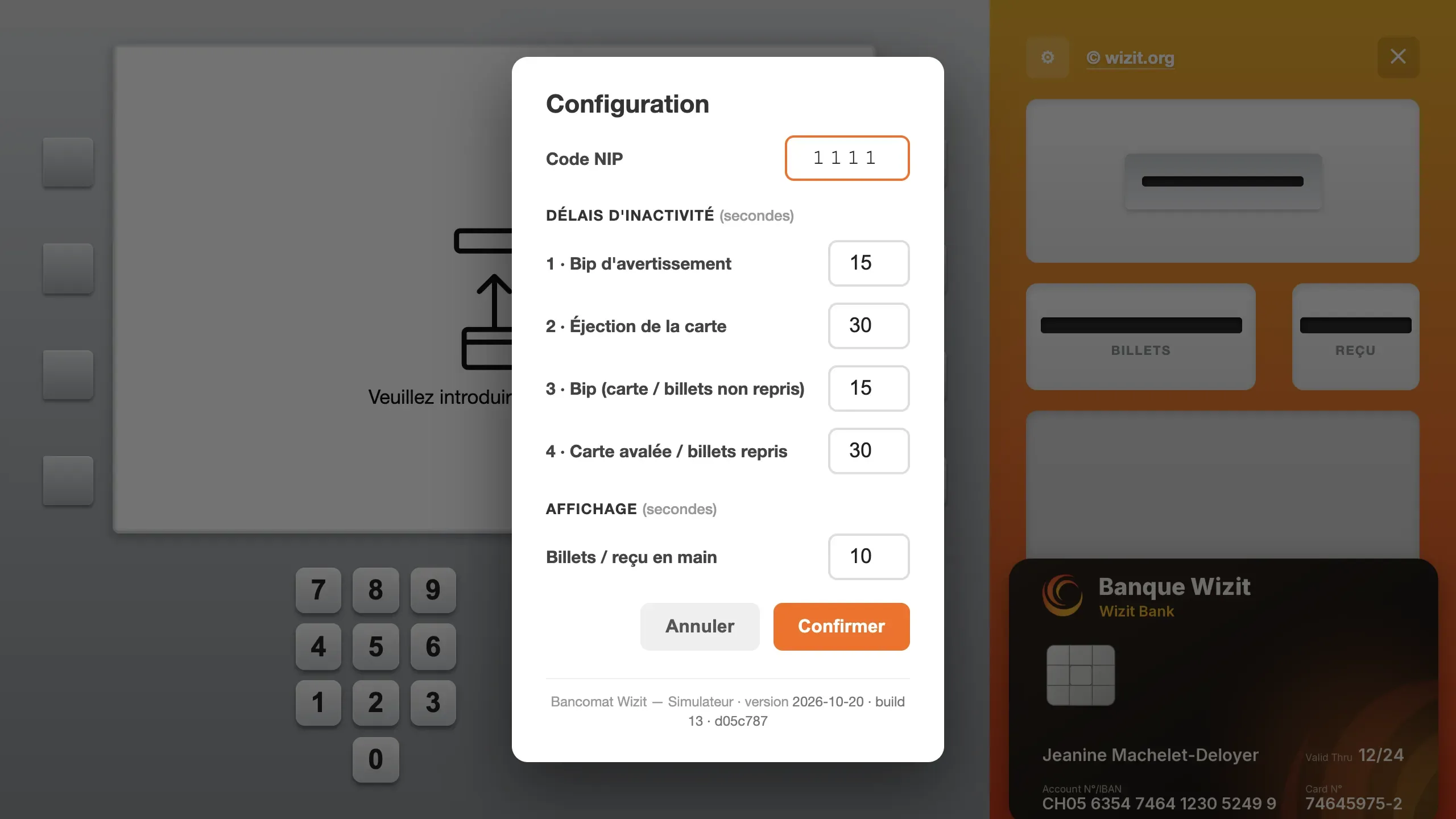
A “Configuration” window over the darkened machine. It holds the PIN code, four inactivity delays in seconds — warning beep, card ejection, beep for a card or banknotes not taken, card swallowed or banknotes taken back — the time the banknotes and receipt stay in hand, and two buttons, Annuler (Cancel) and Confirmer (Confirm).
The settings The carer's panel, opened with the cog: the PIN code, the four inactivity delays and how long the banknotes stay on display.

Screenshots of the app, shown in French.

The Challenge: The Fear of the Cash Machine

Practising in a safe environment. For people with an intellectual disability, using a cash machine (a Bancomat, in Switzerland) can be a source of anxiety: fear of blocking the card, not understanding the messages, or pressure from the people in the queue.

This app offers a digital “sandbox” for repeating the steps as many times as needed, with no real financial consequences.

What the app does

  • The gestures of the real machine: slide the card into the slot, type the code on the keypad, pull the banknotes and the receipt out of the dispenser. With a finger on a tablet, with the mouse on a computer.
  • The withdrawal from start to finish: PIN code (three tries), choice of the amount among those offered or a free amount, choice of notes — mixed or large —, confirmation with or without a receipt.
  • Mistakes without consequences: wrong code, waiting time exceeded, card swallowed, banknotes forgotten in the slot. Each case plays out as on a real machine.
  • Adjustable by the support worker: a configuration panel changes the PIN code and the length of the waiting times, to adapt the exercise to the person.

Technology

  • Web app: nothing to install. It opens in a recent browser, on a tablet or on a computer. On a tablet, it can be added to the home screen and displays full screen, in landscape.
  • Faithful screen: the screens, the texts and the operation of the original machine of the FOVAHM's Banque Centrale, including the split of 20, 50 and 100 franc notes.
  • Origin: the first version, developed in Unity for Windows and macOS, was deployed in March 2022. It was rewritten for the browser in 2026, with identical operation.

Impact and Availability

Developed and deployed for the FOVAHM (Valais, Switzerland) in March 2022, then rewritten as a web version in 2026.

The app opens in the browser, at bancomat.wizit.org. Nothing to install.

Open the simulation