
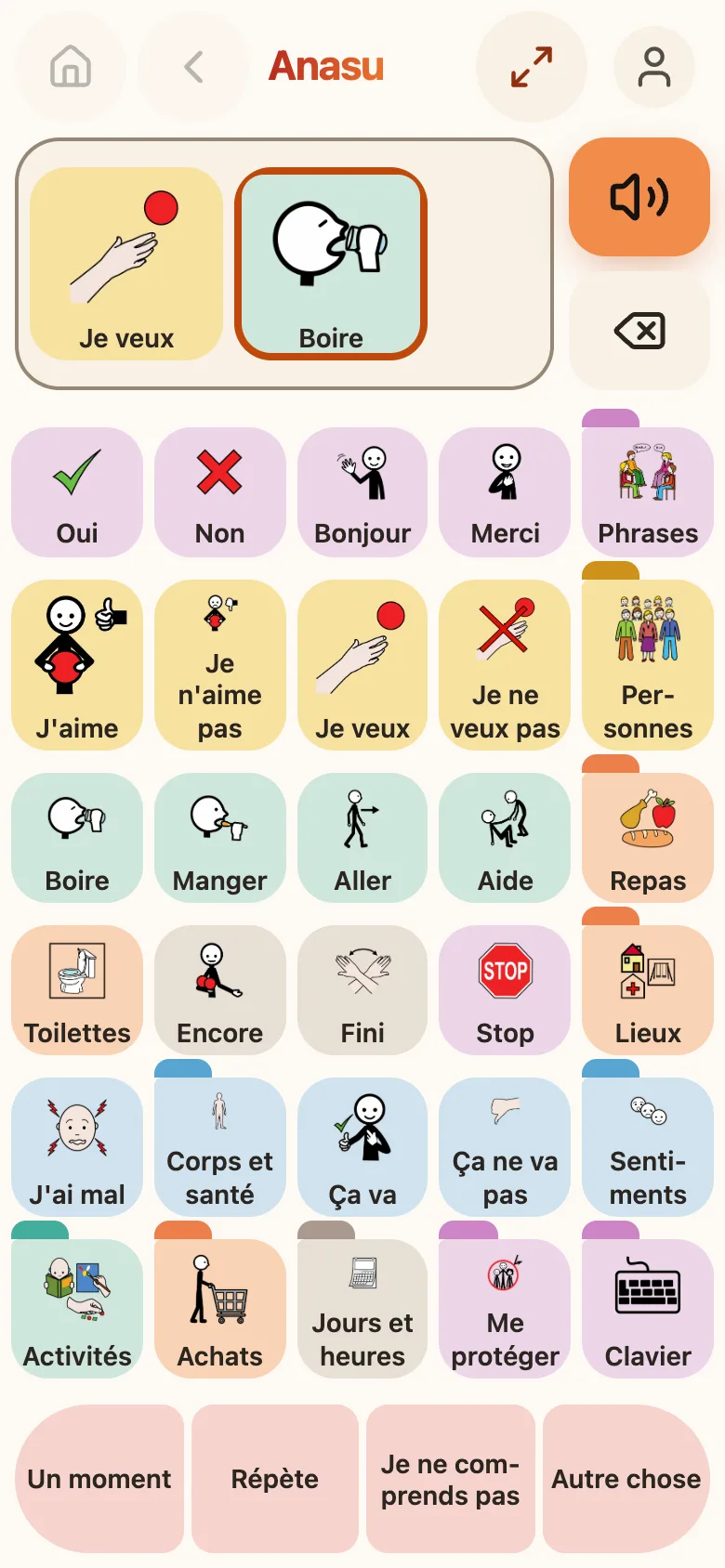
The speaking screen of Anasu on a phone, in light mode. At the top, the Home, Back, Show and account buttons. The sentence holds two tiles, “I want” and “Drink”. Below, a grid of thirty coloured tiles, each with its pictogram: Yes, No, Hello, Thank you, I like, I want, Drink, Eat, Toilet, It hurts, Keyboard… At the bottom, four tiles for the conversation: Just a moment, Say it again, I don’t understand, Something else.
Making a sentence Each tile says its word as soon as you touch it, and the word joins the sentence at the top. The orange button says the whole sentence; the one below it removes the last word.
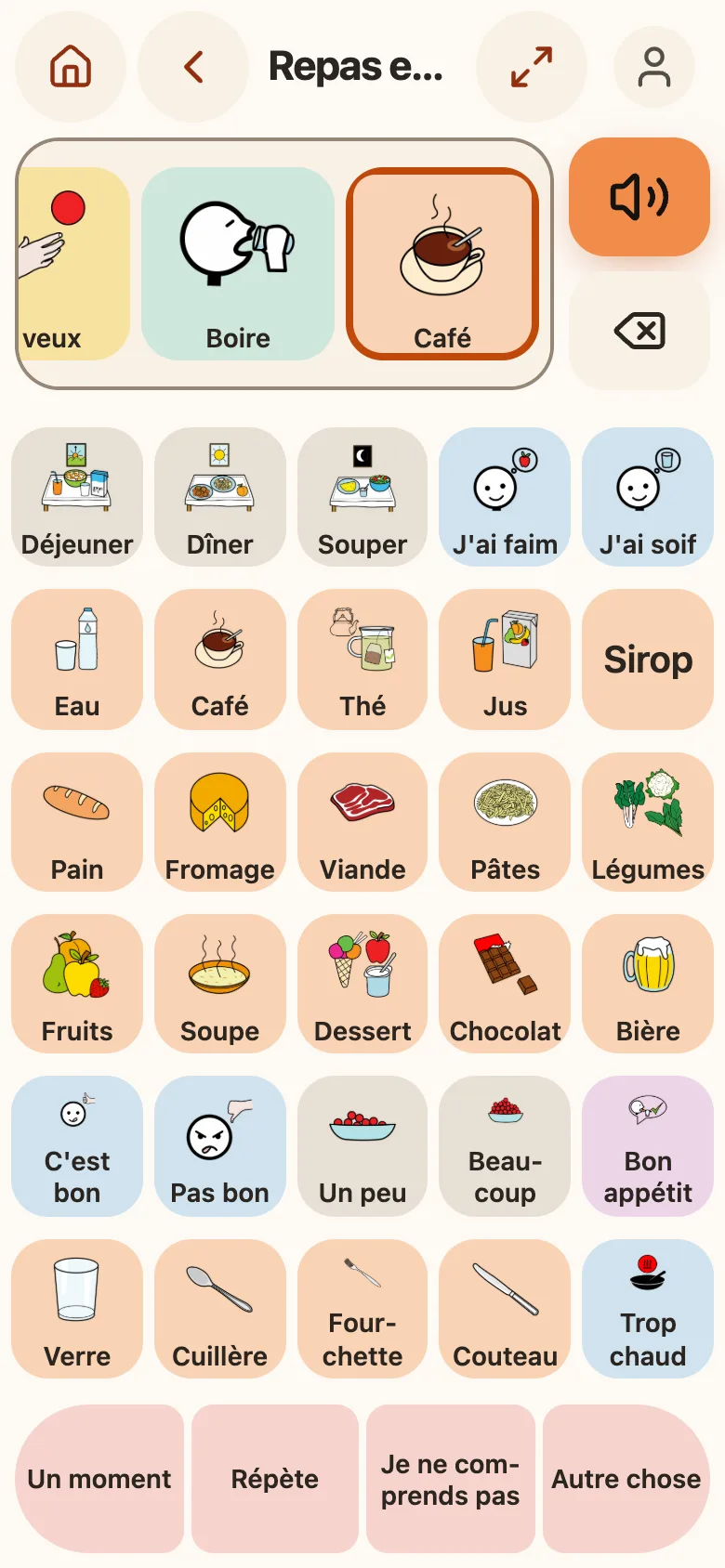
The “Meals and drinks” board: Breakfast, Lunch, Dinner, I’m hungry, I’m thirsty, Water, Coffee, Tea, Juice, Squash, Bread, Cheese, Meat, Pasta, Vegetables, Fruit, Soup, Dessert, Chocolate, Beer, and cutlery. The sentence at the top ends with “Drink” and “Coffee”, the tile just touched, outlined in orange.
One board per topic A tile with a tab opens a board: here, meals and drinks, with the words of French-speaking Switzerland — déjeuner, dîner, souper (breakfast, lunch, dinner). The sentence keeps its words from one board to the next.
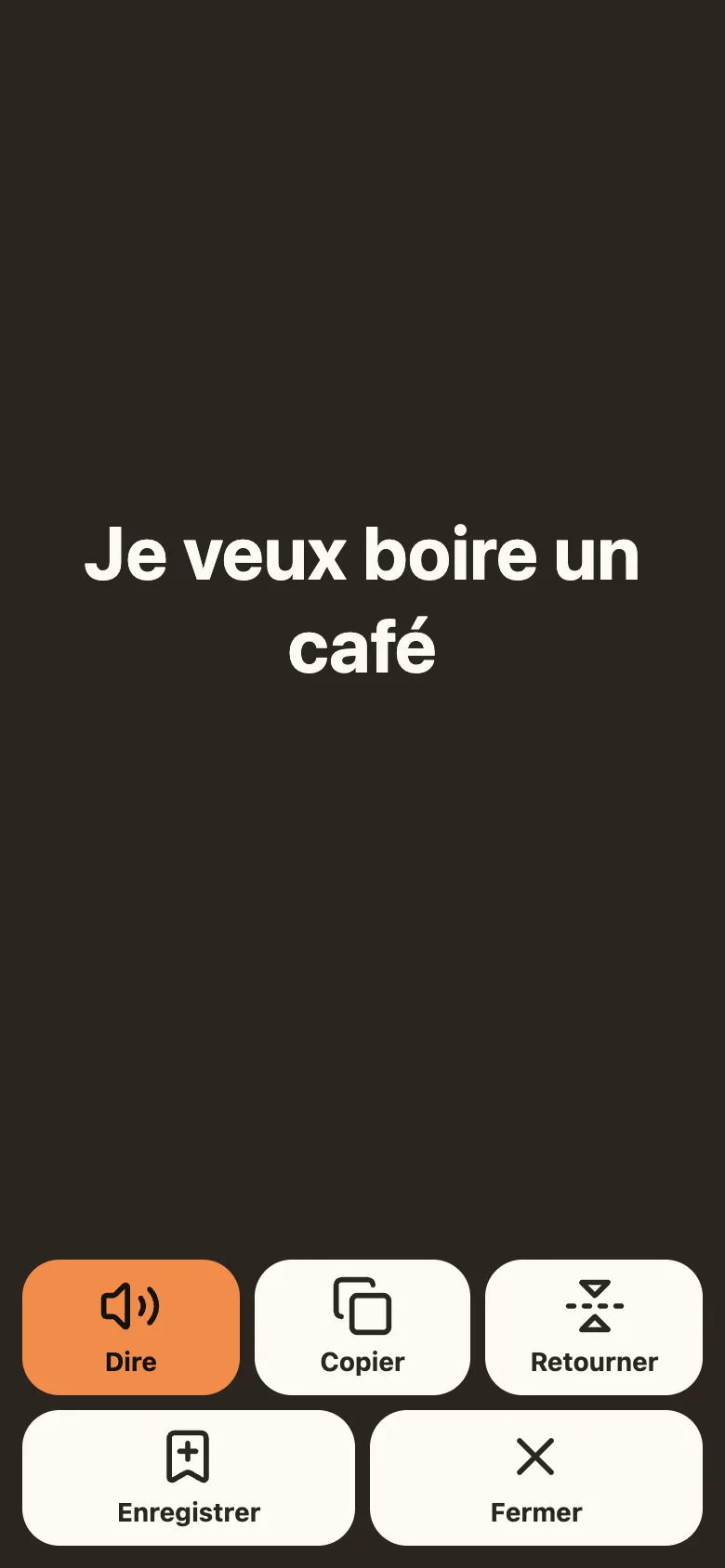
A dark screen with, in very large white letters: “I want to drink a coffee”. At the bottom, five buttons: Say, in orange, Copy, Flip, Save and Close.
Show The sentence in large print, for the person opposite, when the voice is not enough. “Flip” turns the text towards them, across the table; “Save” keeps the sentence in the “Phrases” board.
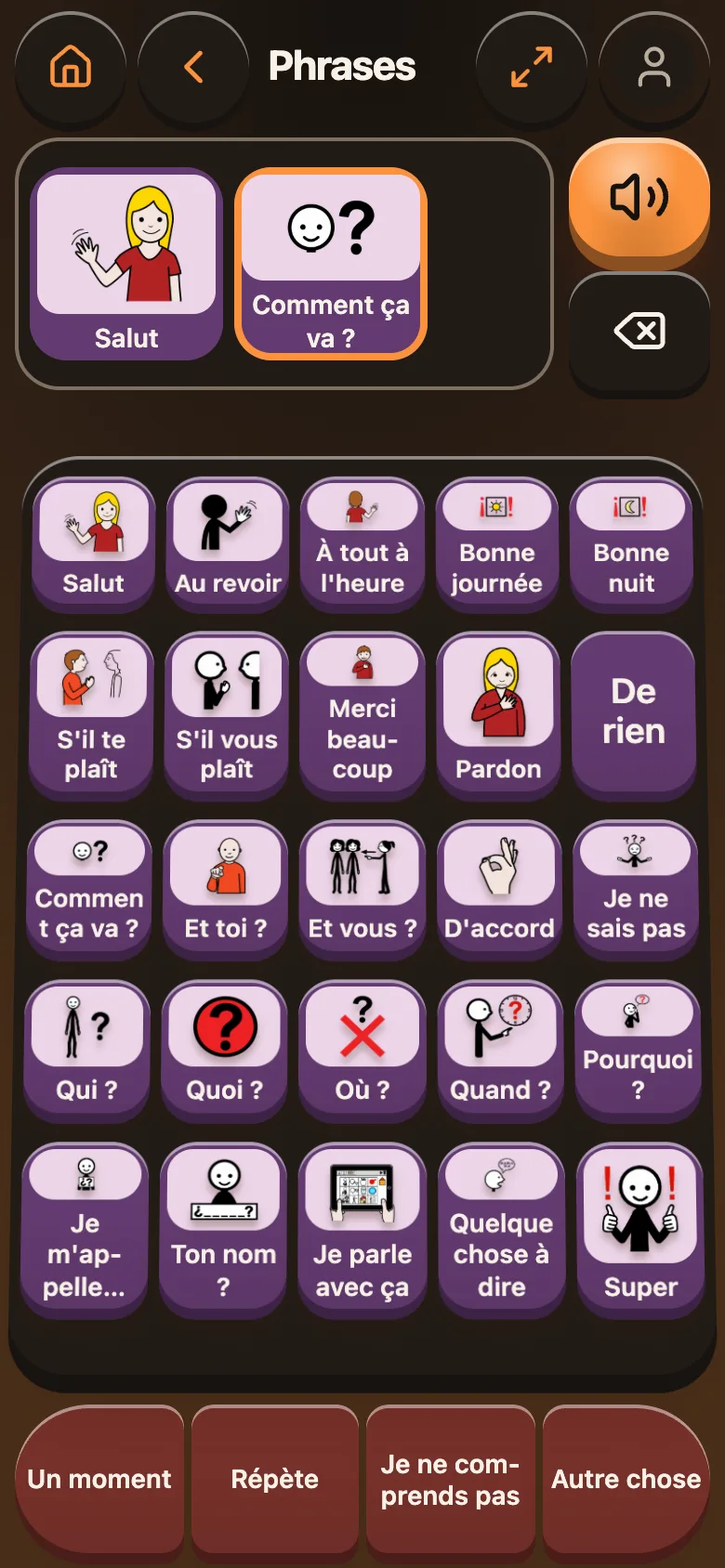
The “Phrases” board in dark mode and in 3D: purple keys on a tilted tray — Hi, Goodbye, See you later, Have a nice day, Good night, Please, Sorry, How are you?, Who?, What?, Where?, When?… The sentence at the top: “Hi” and “How are you?”.
Dark, in 3D The “Relief” style (called “3D” in English) turns the tiles into keys that you press down, on a tilted tray. It works in light or dark mode, and with both text sizes.
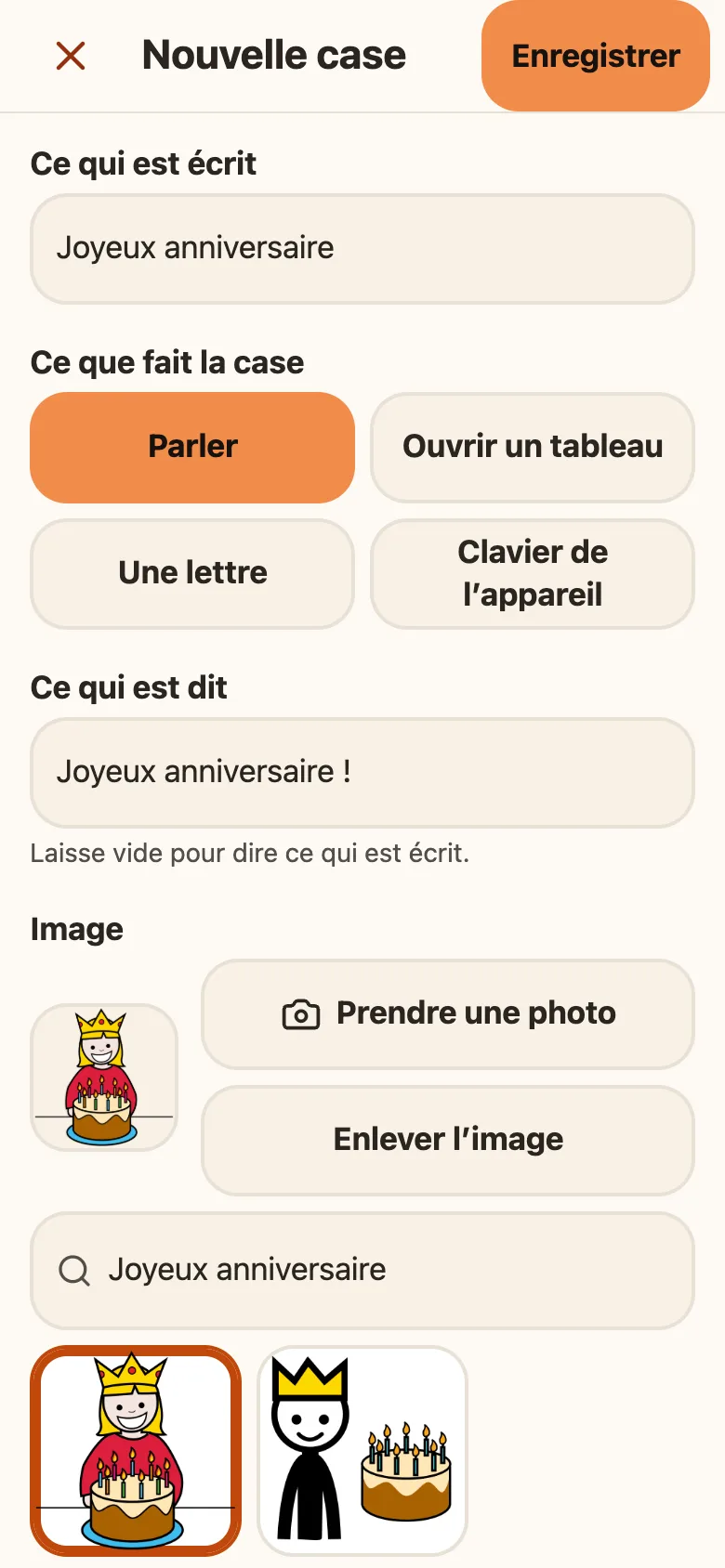
The “New button” screen: What’s written, “Joyeux anniversaire” (Happy birthday); What the button does, “Speak”; What’s said, “Joyeux anniversaire !”. Then the image: a chosen pictogram, outlined in orange, among two found for “Joyeux anniversaire”, each with a birthday cake. The “Take a photo” and “Remove the picture” buttons, and “Save” at the top.
Adding a tile A relative or carer adds a tile in an empty place, after a long press and, if wanted, a code. The image is found among the pictograms downloaded to the device, even without the Internet, or taken as a photo.
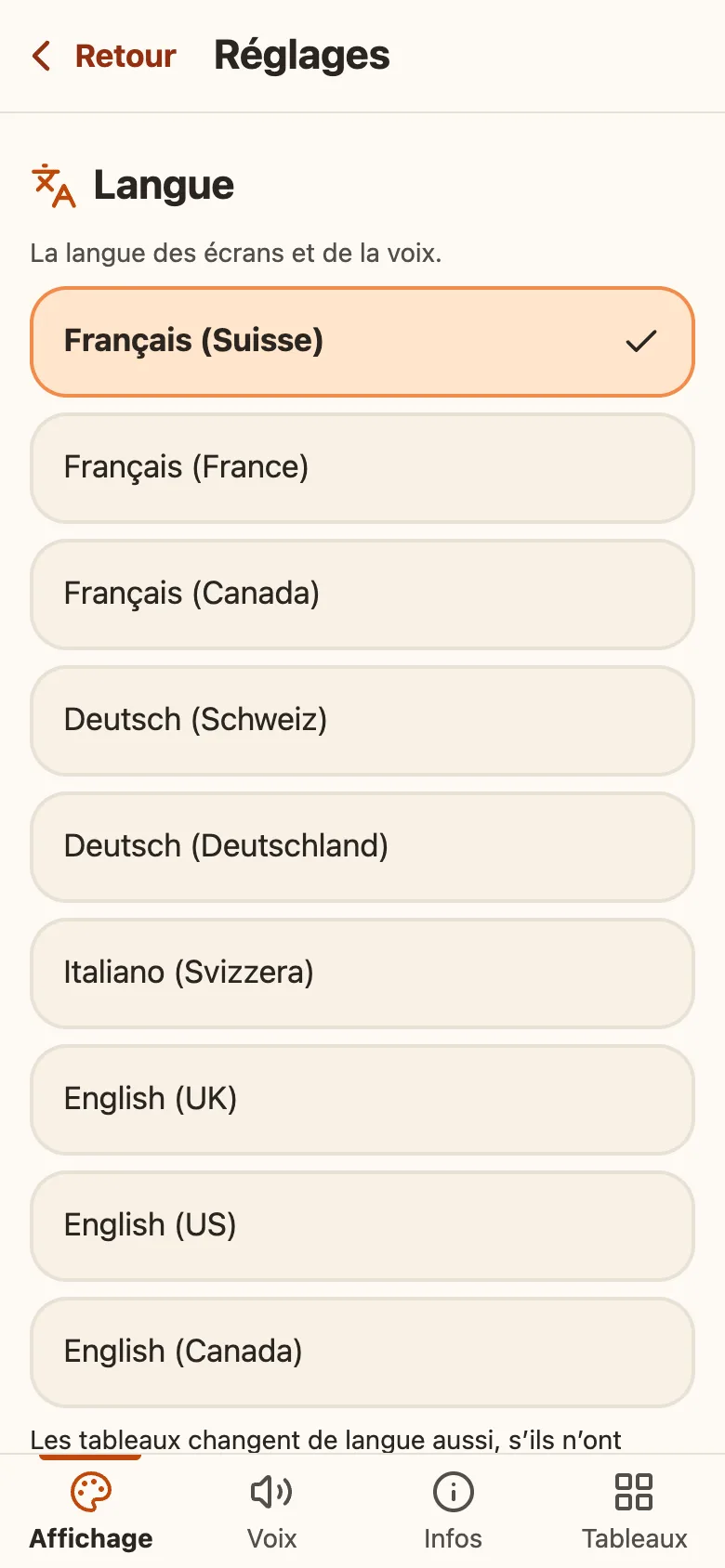
Settings, Display tab, Language section: Français (Suisse), ticked, then Français (France), Français (Canada), Deutsch (Schweiz), Deutsch (Deutschland), Italiano (Svizzera), English (UK), English (US) and English (Canada). At the bottom, the Display, Voice, Info and Boards tabs.
Nine regions The screens, the voice and the starter boards exist in French, German, Italian and English, each for its own regions. Changing the language leaves boards that were already edited alone.

Sample sentences, with the starter vocabulary for French-speaking Switzerland. The screenshots show the app in French.

What Anasu does

Anasu is an augmentative and alternative communication (AAC) app for adults who speak little or not at all. It is a grid of tiles: each tile says a word or a phrase with the device's own voice. Tiles add up to a sentence, which the person can have spoken in full or show in large print to the person they talk to.

The starter vocabulary is written for French-speaking Switzerland: déjeuner, dîner and souper; septante, huitante and nonante; the natel, Migros, the CFF, the AI.

The app exists in nine regions, each with its own starter vocabulary: in French (Switzerland, France, Canada), German (Switzerland, Germany), Italian (Switzerland) and English (United Kingdom, United States, Canada).

What makes it different

  • It works without the Internet. Once added to the home screen, Anasu opens and speaks in airplane mode.
  • Tiles do not move. A tile keeps its place: the person learns a gesture, not a path through menus.
  • The data stays with the person. The boards are on the device and, if a Google account is connected, in that person's own Google Drive. Our servers see no board.
  • It is free.

Where the project stands

Anasu is available as a preview: it can be used, and it is still changing. It is being tried on iPhone, and a trial with institutions is being prepared.

The app opens in the browser, at anasu.wizit.org. Nothing to install from an app store: you add it to the home screen from the browser.

Open Anasu

How Anasu handles your data: privacy policy.

The pictograms

Pictograms author: Sergio Palao. Origin: ARASAAC (arasaac.org). License: CC (BY-NC-SA). Owner: Government of Aragon (Spain).